

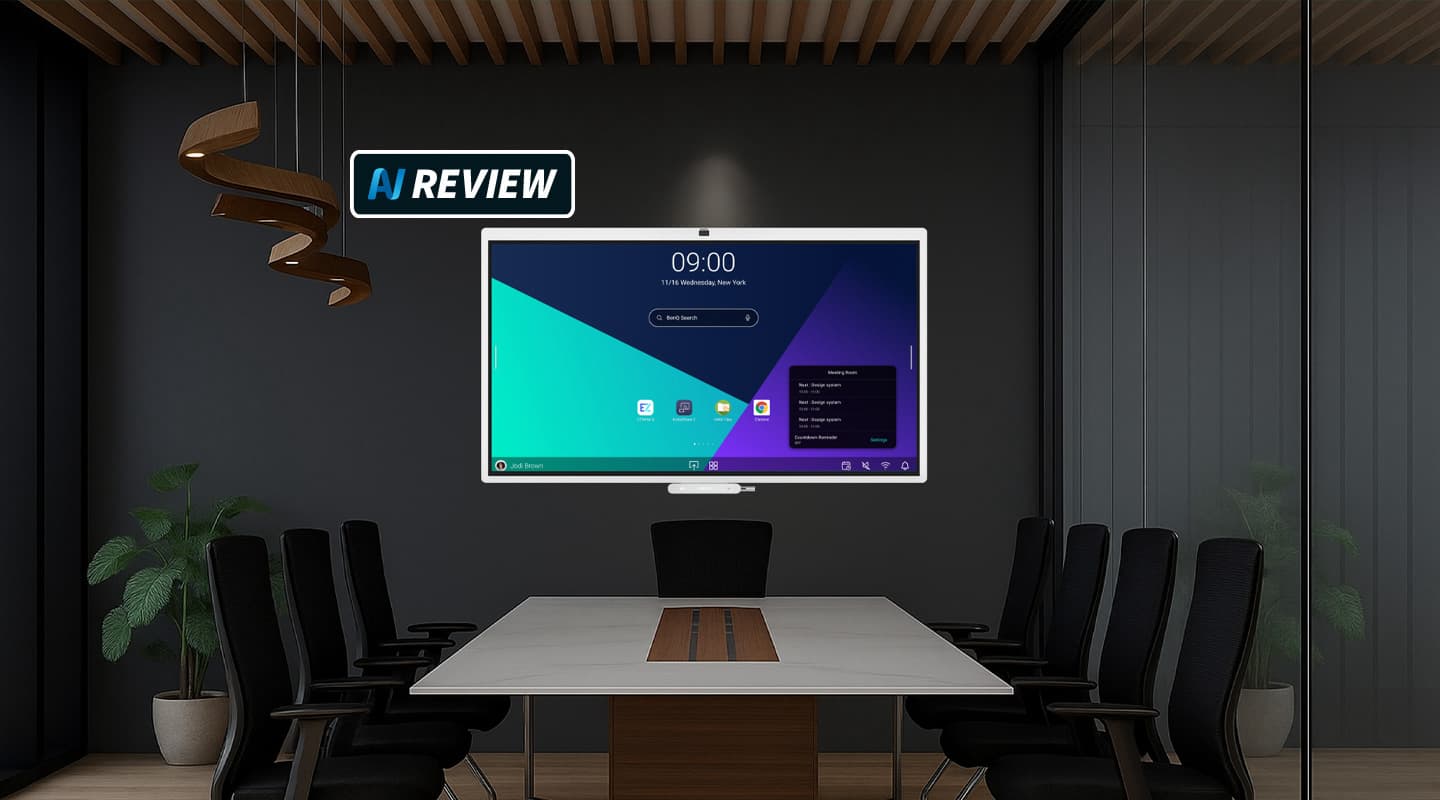
Review: BenQ Board CP5505 & InstaShow VS25
Some smart and genuinely useful AI features along with NFC-triggered profiles and log-ins lead the charge for BenQ latest tilt at the corporate IFP market.

17 November 2026
Review:/ Christopher Holder
Traditionally, meeting rooms are designed around technology rather than people. Fair enough too. Back in 2020 – and bear with me, I know we’re all doing our best to forget! – but it was a case of: we need more meeting rooms now, and they all need to be hybrid. AV systems frantically attempted to respond — a bit like building the proverbial airplane while flying it. ‘We need a display.’ ‘Let’s make it interactive.’ ‘We need Teams on it.’ ‘We need some cameras and some mics.’ ‘We need collaboration features.’ Little wonder, then, that many of those systems were under-utilised, barely switched on, or needed the one person in the office who knew how to make it all work.
PANEL DISCUSSION
BenQ has been on the journey as long as anyone. The new BenQ Board range is directly aimed at the corporate meeting market. The catch phrase is ‘Meet Your way’ – and, as you’re about to find out, it’s more than just marketing hype.
What sets the CP5505 apart is the amount of intelligence BenQ has packed into the chassis. A 10 TOPS NPU handles on-device Edge AI tasks, so the smarts largely stay on the board rather than relying on the cloud. Of course, AI tokens aren’t free, but the board ships with a free tier and an upgrade unlocks more tokens per month.
AI ON BOARD
SummarAI is the standout in-development feature (and it’s free of charge). Open the onboard app and SummarAI will record what’s discussed in the room, summarise it and save it to the cloud for participants to access. It provides to the sort of indispensable summary features we now take for granted on VC calls.
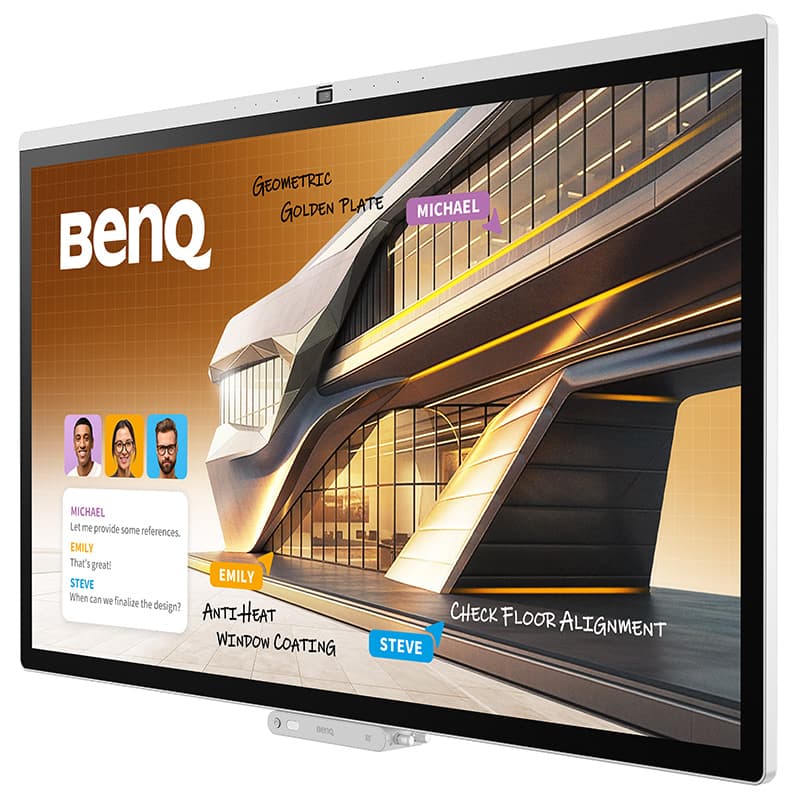
The BenQ Board is Pantone Validated and SkinTone Validated, delivering professional-grade colour accuracy with 95% DCI-P3 colour gamut coverage. Specialised display modes support a wide range of professional use cases, including colour matching for MacBook users, DICOM for medical image viewing, creative work, technical drawings, and text-heavy tasks.
The Board has another cool AI feature called Lasso AI: circle something on screen with the BenQ stylus and it triggers an Ask AI command, allowing you to translate the text into Cantonese, solve that differential equation, provide info on the Eiffel tower, whatever makes sense contextually. Impressively, the Lasso AI feature still works in a purely BYOD situation when you’re using the InstaShow VS25 – more on InstaShow later in this review.
PERSONAL PROFILE
That’s a quick roundup of the AI features. Let’s take a look at the ‘Meet Your Way’ personalisation features. Starting with log-ins.
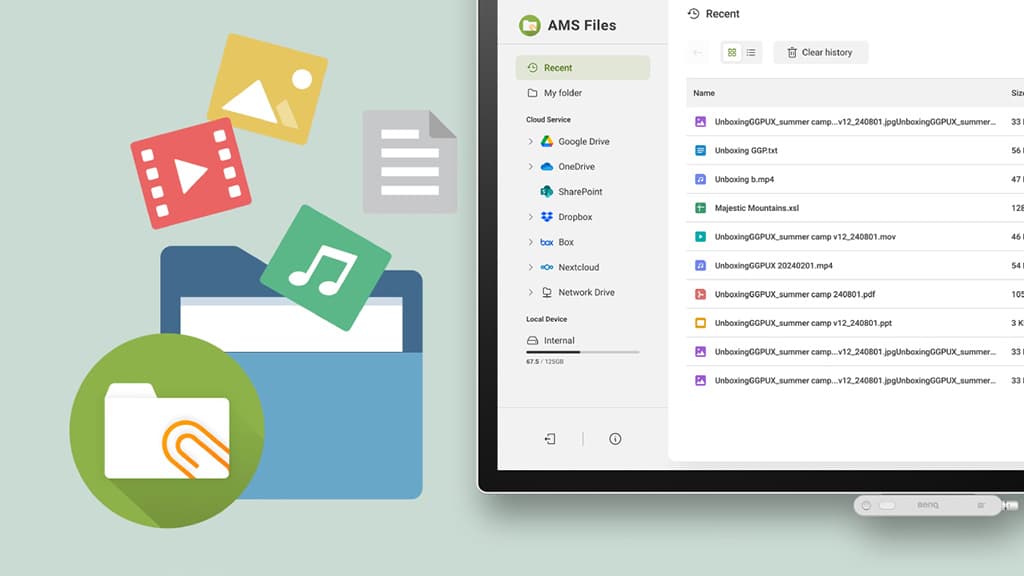
NFC works best – tap your card and the display logs you in with your profile. Log out and you’re safely logged out with none of your details retained. When you return, you aren’t forced to jump through manual login hoops again. Your profile presents the Board the way you like it, including personalised links to your cloud storage.
Speaking of which the Board can link to an existing Microsoft 365 or Google directory, turning the screen into a proper room booking and directory system.

INSTASHOW VS25: ZERO FRICTION
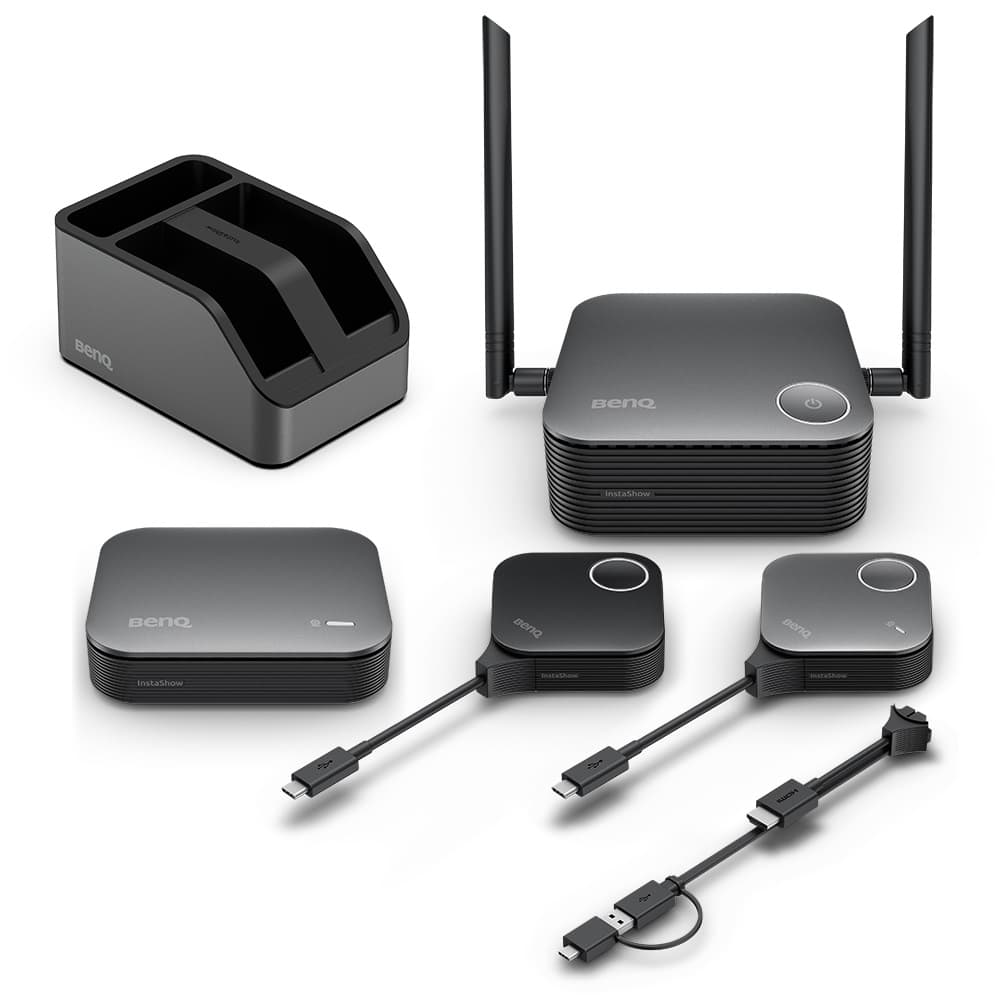
Let’s dive into the Board’s collaboration features starting with InstaShare, which has been updated with onboard collaboration features. You can now cast from a laptop and still access the CP5505’s camera and microphone. This is all without additional hardware. InstaShare is easy, comes standard with the Board and entirely software based. BenQ’s InstaShow VS25 wireless collaboration solution takes it further.
Plug the InstaShow Receiver to the display, connect the companion Multimedia unit to the CP5505’s USB-C pass-through port, the dongle into a laptop and the participant can wirelessly share content while also utilising the panel’s mic, camera and speakers, all without any additional software. InstaShow is a powerful addition to the Board and between the two is all you need for just about any small- to mid-sized space.
In use, the CP5505 feels like a complete meeting endpoint rather than just a big Android tablet. Walk in, authenticate with NFC, join a call, share content, annotate, and leave with a summary already generated. Oh, nearly forgot, the optional companion trolley lets the 55-inch model run responsively in portrait as well as landscape – there’s something about a portrait screen that feels more conducive to brainstorming… or is that just me?
ALL BUSINESS
BenQ has been in the IFP business for a long time and many of these software tools are very mature or the culmination of years of design and research. Admittedly, the education market has more been BenQ’s jam, so a corporate solution like this makes a statement – it’s firing a serious salvo into the meeting-room/boardroom segment. BenQ is positioning it as the centrepiece of a wider ‘Meet Your Way’ ecosystem, and on this evidence the Board is ready to carry that weight.
BenQ Australia: (02) 8988 6500 or www.benq.com/en-au/
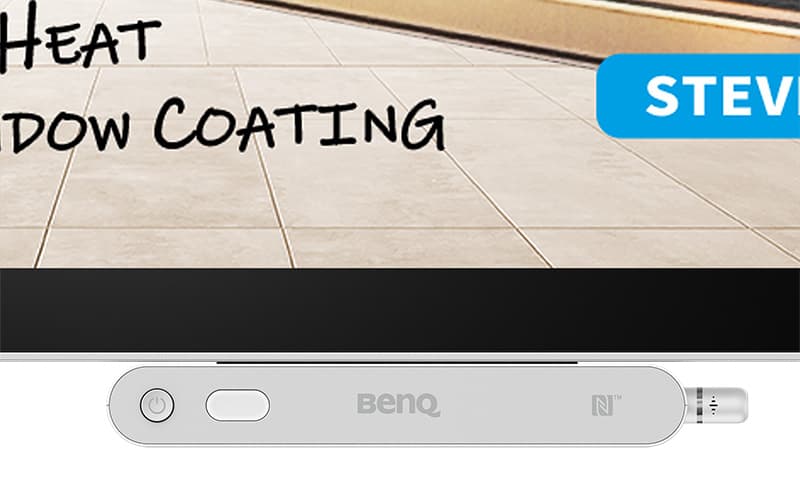
The stylus has also been improved: it now has pressure sensitivity, smart shortcuts, plus gesture control. It’s the smartest screen stylus I’ve seen and will save valuable time in the right hands.



RESPONSES